Reopening of an order
Sometimes it happens that the bike is flat again the next day, and sometimes you might forget to adjust the gears before you leave. So sometimes you have to go back to a bike.
But also – most of the time you do a great job! And the customer might contact you directly and ask you to come back and fix more bikes.
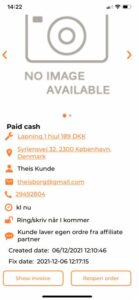
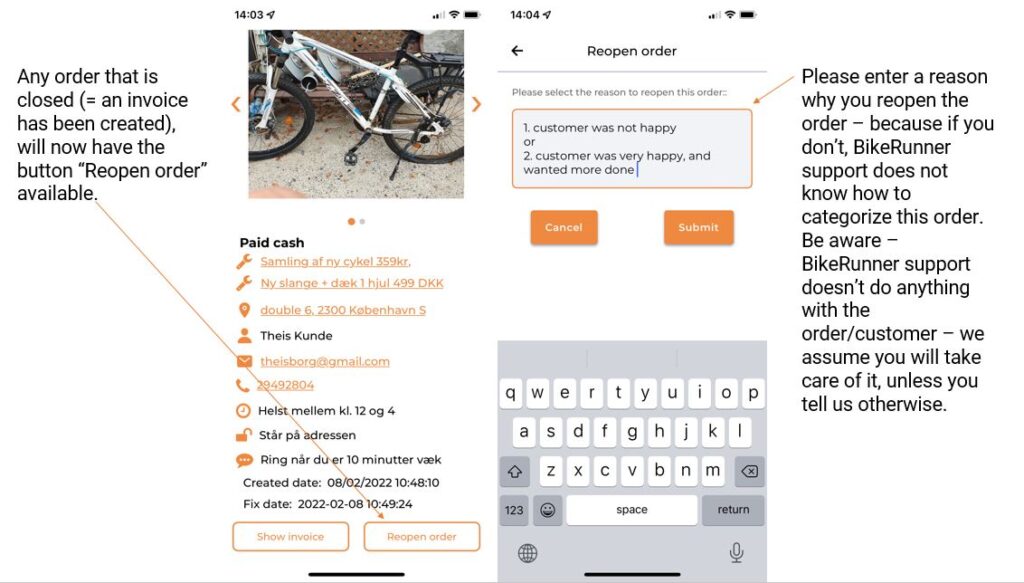
In these cases – you can re-open the order in the BikeRunner app. Click on the order under “My orders” and click “Reopen”:
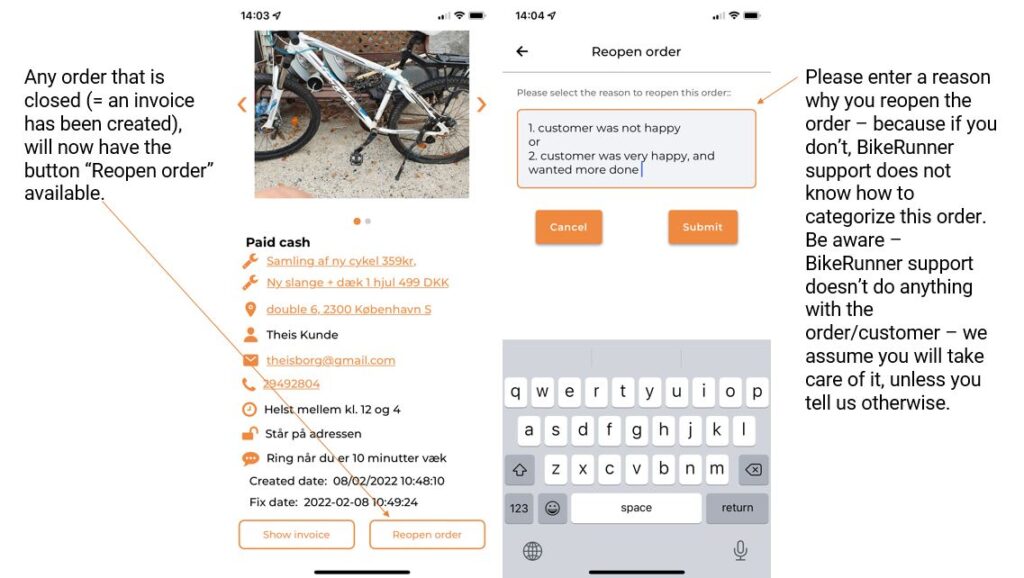
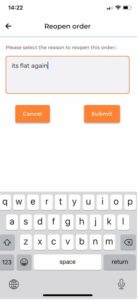 You are then asked to enter a reason why you have re-opened the order. Please do so otherwise BikeRunner support does not know what is going on. If you are re-opening the order because customer has asked you to do something more you can just write for example “New order”. But if it is because the customer has complained – you will make BikeRunner supports’s job easier if you let us know what is going on, and why it is reopened – in case the customer contacts us.
What happens now is actually that a copy of the first order is created. The first order, and the invoice attached to it – stays the same. The new order gets the status “REOPENED”.
Sometimes the customer contacts BikeRunner instead of you, then we can also re-open one of your orders. After we have done that – we will always let you know on email or sms, and we ask you to confirm back on email or sms that you have received the message, and will contact the customer.
Once you have fixed the bike again, or completed the case in another way – then again click on the order and choose the option of “create invoice” or “close without invoice”.
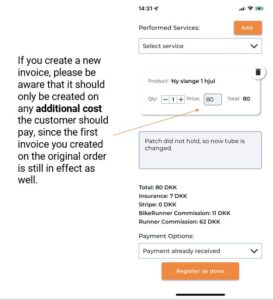
When you create an invoice for a re-opened order, please remember that the first invoice on the original order you have made is still there, and sent. Meaning – you should only create an invoice if you want to invoice more than that, and then only on the additional amount.
If no further invoicing is needed, you choose “close without invoice”. Then also BikeRunner support knows the case is completed.